

Add the credential
Open Settings > Model Providers, click Add Model Provider and select Voyage AI. Give the row a name, pick the organization, team or project it belongs to, and fill in:
Save the row. Every virtual key whose scope can see the row can now dispatch to it, unless the key restricts its providers. See Virtual keys.
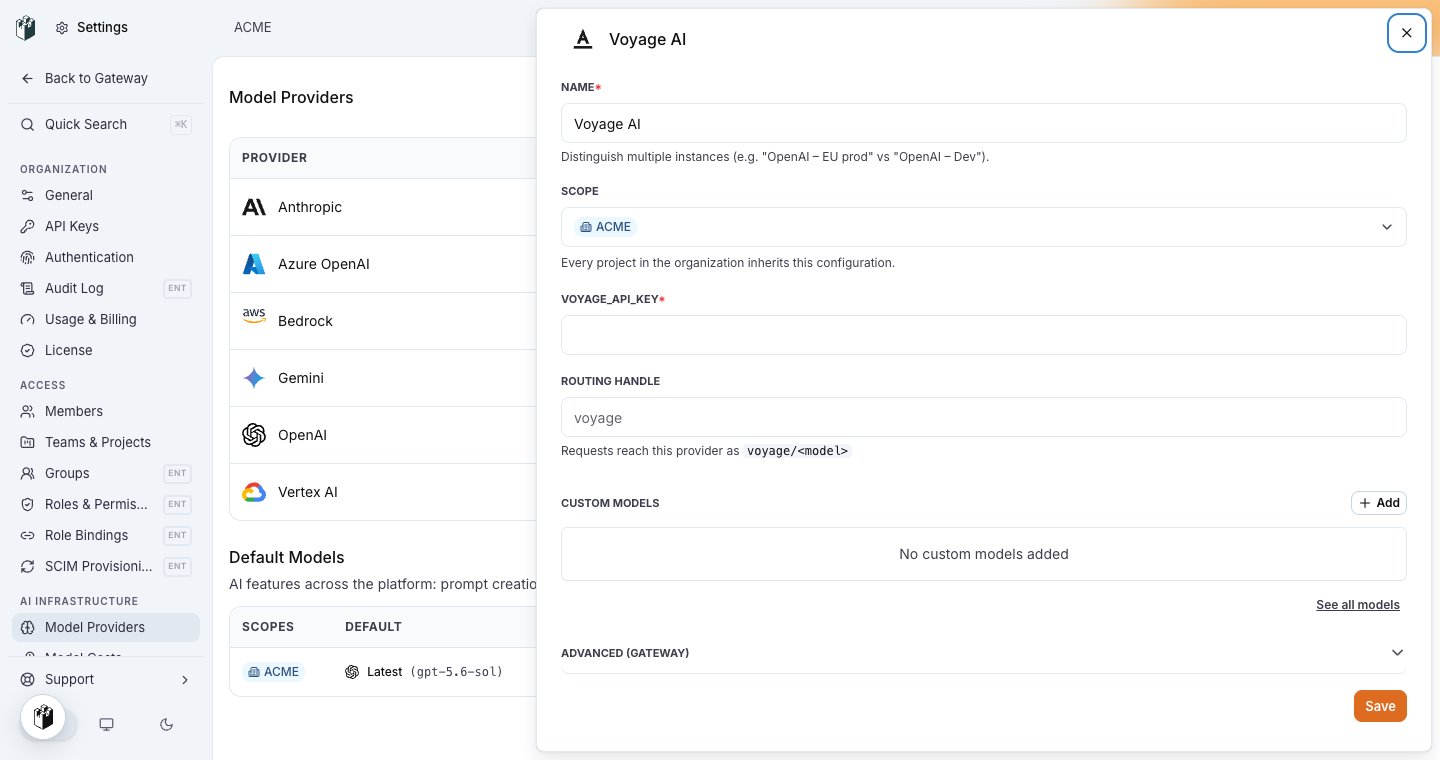
The Voyage AI row: name, scope, VOYAGE_API_KEY and the routing handle voyage.
Model names
Write the Voyage model id, for examplevoyage-3.5 or voyage/voyage-3.5. The gateway strips the voyage/ prefix before it calls Voyage.
Send a request
https://api.voyageai.com/v1/embeddings and returns the OpenAI embeddings shape.
Endpoints
Voyage AI servesPOST /v1/embeddings only. Any other request to a Voyage row is rejected with the message voyage credentials only accept embedding requests.