

Create the automation
- Open the Trace Explorer and set the filter that selects the traces you want, for example an evaluation result or a metadata value.
- Click Automate in the toolbar. The automation drawer opens with the current filter as its subject.
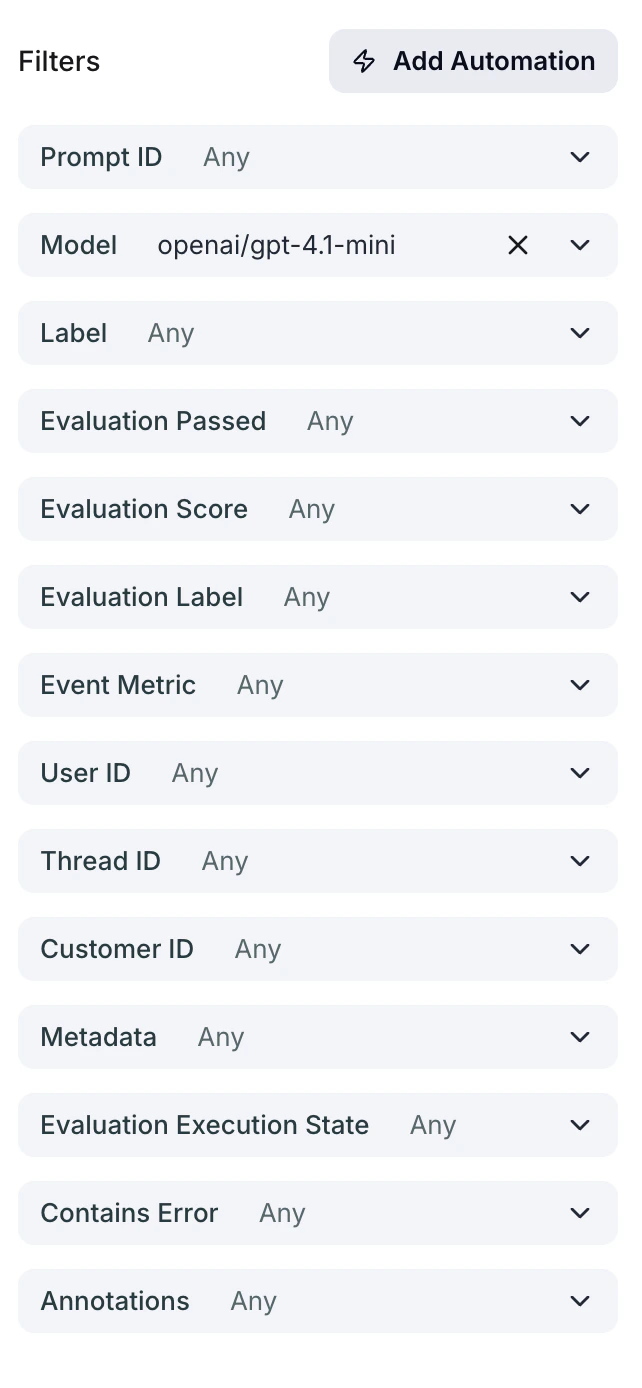
Add Automation
- Pick Add to dataset as the action and choose the dataset. Its columns are mapped to trace fields for you, as described in The column mapping.
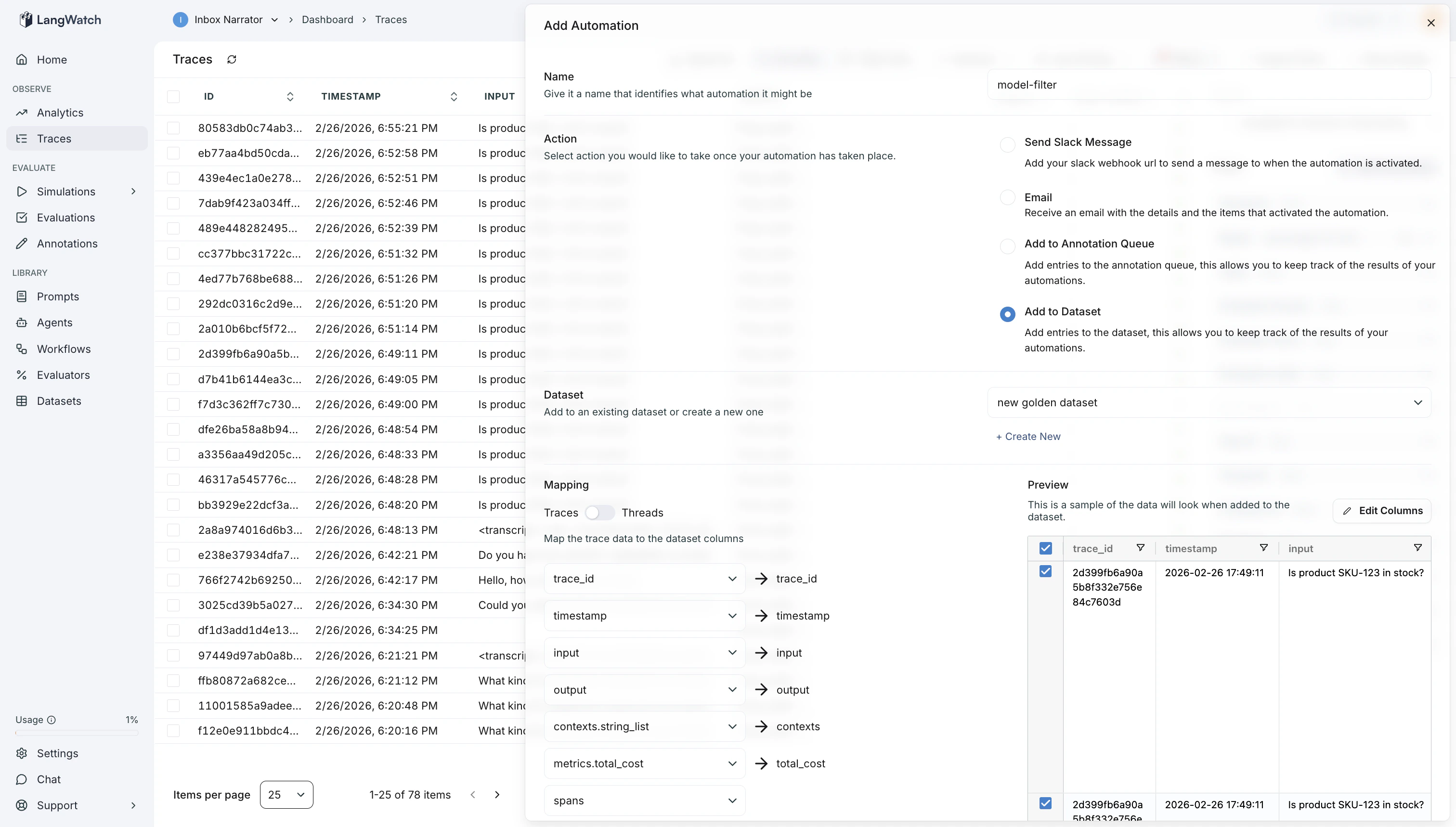
Add To Dataset
- Save. From then on, every trace that matches the filter adds one row to the dataset.
The column mapping
When you pick a dataset, LangWatch builds the mapping from the dataset’s column names:
So a column named
customer_tier is filled from the trace’s customer_tier metadata. A trace without that key leaves the cell empty.
The mapping is stored on the automation as actionParams.datasetMapping. Each column maps to a { source, key, subkey } entry: source is the trace field, key narrows a keyed source (the metadata key for metadata, for example), and subkey narrows it further (one field of an evaluation, for example).
source is one of trace_id, thread_id, timestamp, input, output, contexts, contexts.string_list, metrics.total_cost, metrics.first_token_ms, metrics.total_time_ms, metrics.prompt_tokens, metrics.completion_tokens, metrics.total_tokens, spans, spans.llm.input, spans.llm.output, metadata, evaluations, annotations or events.
Changing the mapping later
The automation drawer has no per-column mapping editor: it derives the mapping from the dataset’s columns, and choosing the dataset again derives it again. To map a column to a different source after the automation exists, update the automation’s delivery configuration with the whole mapping you want, with the CLI:PATCH /api/triggers/{id} and the same actionParams. actionParams replaces the stored configuration as a whole, so send every column, not only the one you change. See the Triggers API.
Also check: Automations for the delivery options and the automation history, and Datasets for the full list of trace fields a column can map to.