

Get API keys
- Create a LangWatch account or set up self-hosted LangWatch
- Create new API credentials in your project settings
- Note your API key for use in the steps below
Create a prompt
- LangWatch UI
- TypeScript SDK
- Python SDK
- REST API
Use the LangWatch UI to create a new prompt or update an existing one.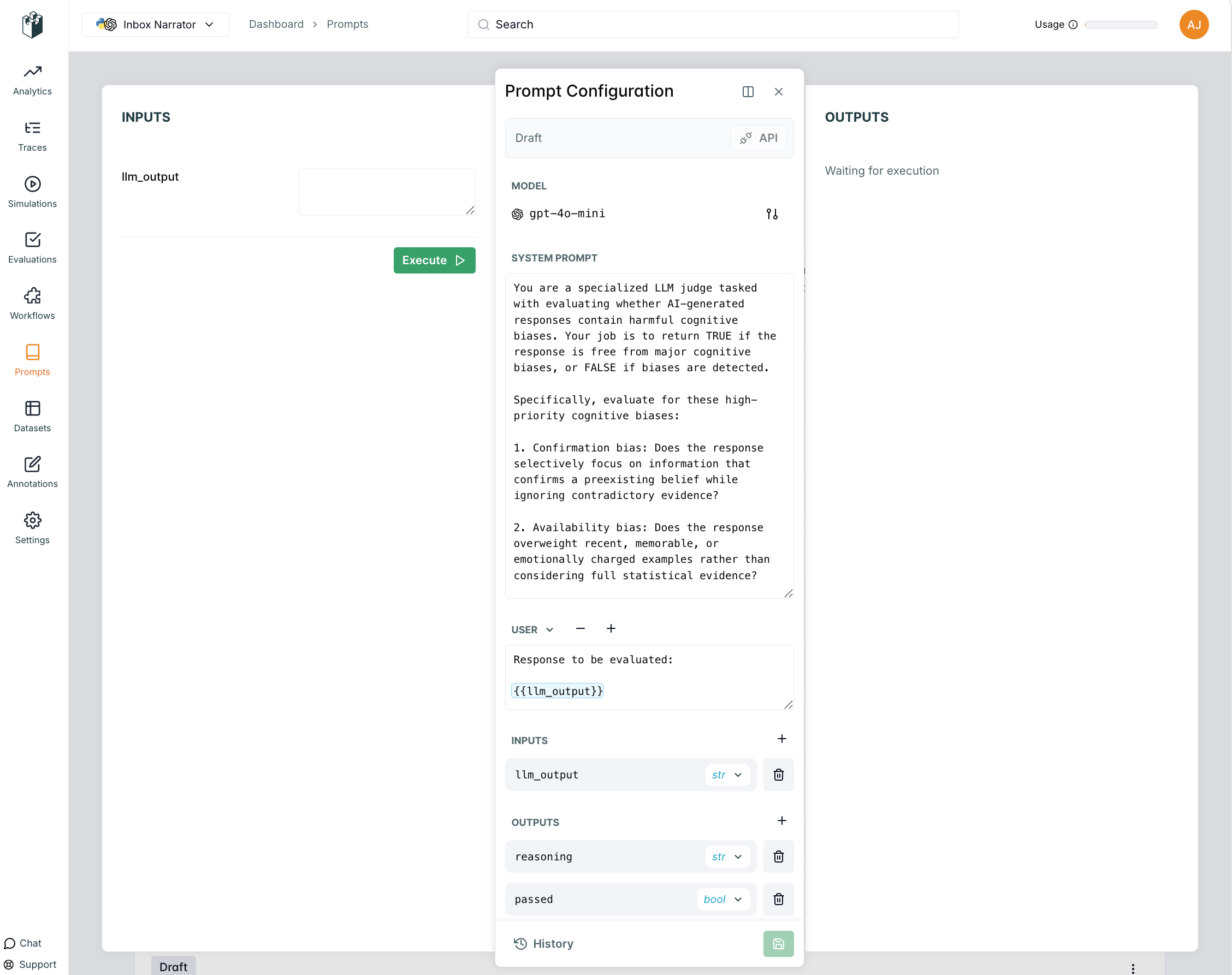
- Navigate to your project dashboard
- Go to Prompt Management in the sidebar
- Click “Create New Prompt”
- Fill in the prompt details and save
Use prompt
At runtime, you can fetch the latest version of your prompt from LangWatch using the prompt handle.- Python SDK
- TypeScript SDK
- REST API
use_prompt.py
Link with LangWatch Tracing
You can link your prompt to LLM generation traces to track performance and see which prompt versions work best. For detailed information about linking prompts to traces, see the Link to Traces page.- Python SDK
- TypeScript SDK
tracing.py
← Back to Prompt Management Overview