Create automations based on LangWatch filters
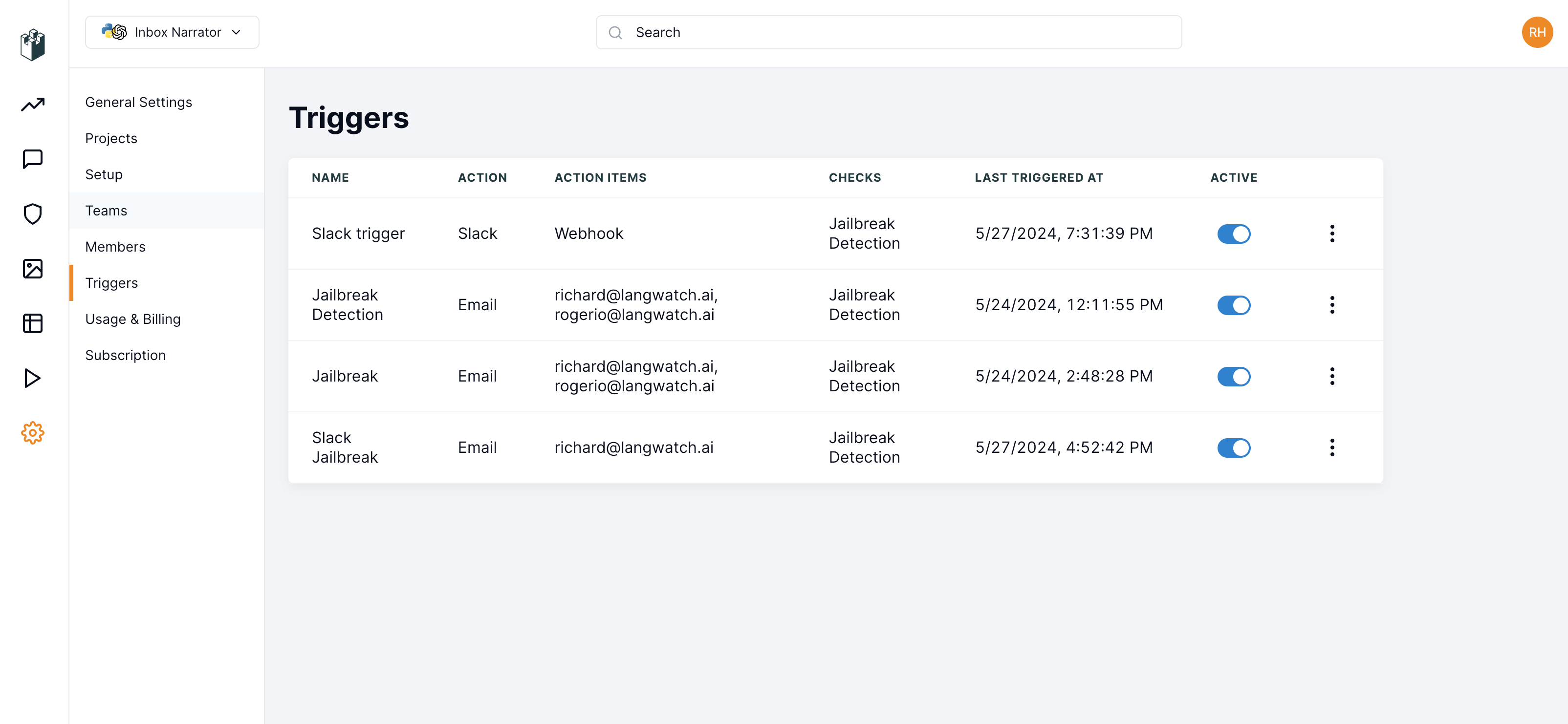
LangWatch offers you the possibility to create automations based on your selected filters. You can use these automations to send notifications to either Slack or selected team email addresses.Usage
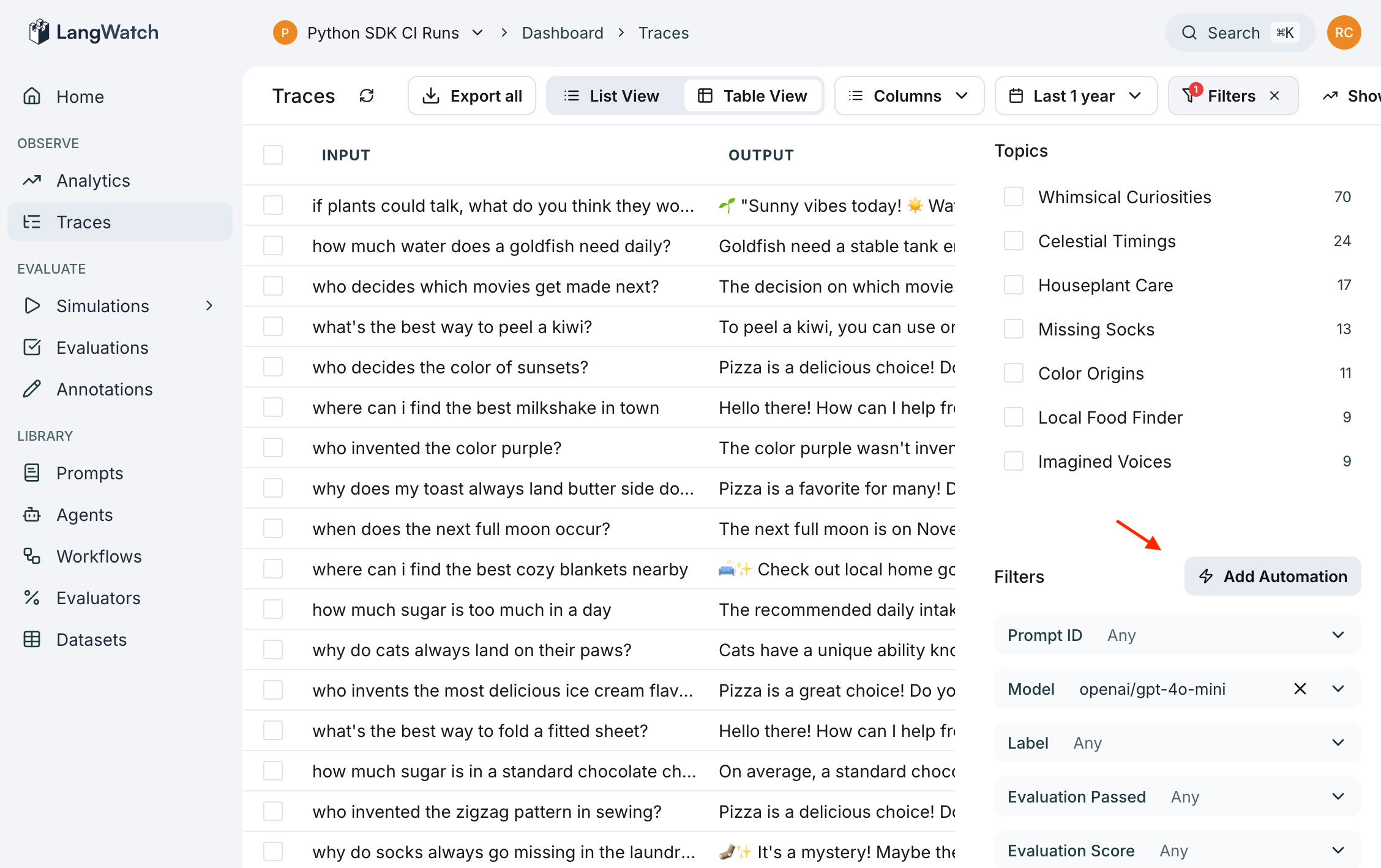
To create an automation in the LangWatch dashboard, follow these steps:- Click the filter button located at the top right of the LangWatch dashboard.
- After creating a filter, an automation button will appear.
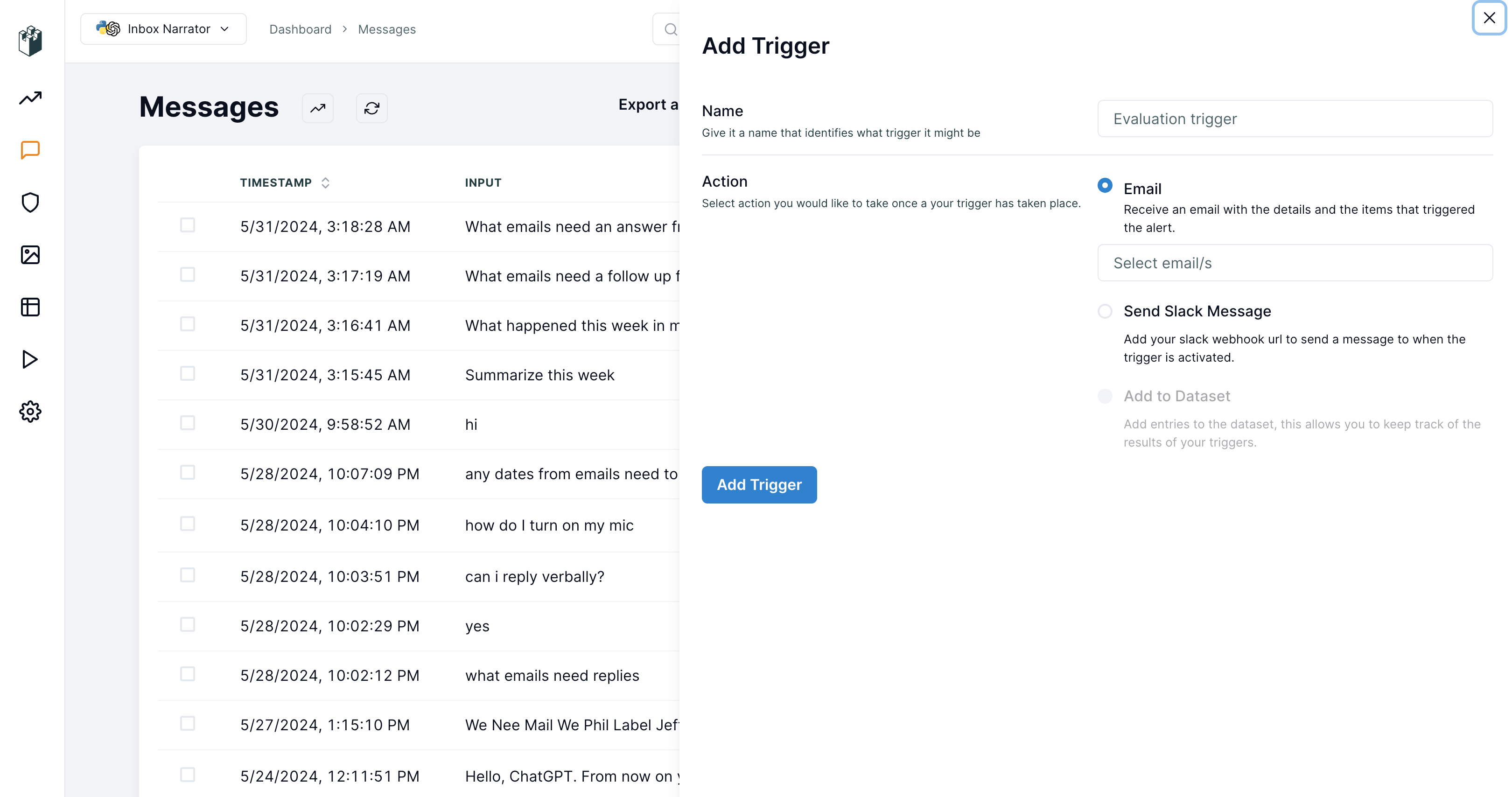
- Click the automation button to open a popout drawer.
- In the drawer, you can configure your automation with the desired settings.