

1
Obtain your API Key
Create your LangWatch account and project to obtain your API Key from the dashboard
2
Go to your Chatflow settings
At the top right corner of your Chatflow or Agentflow, click Settings > Configuration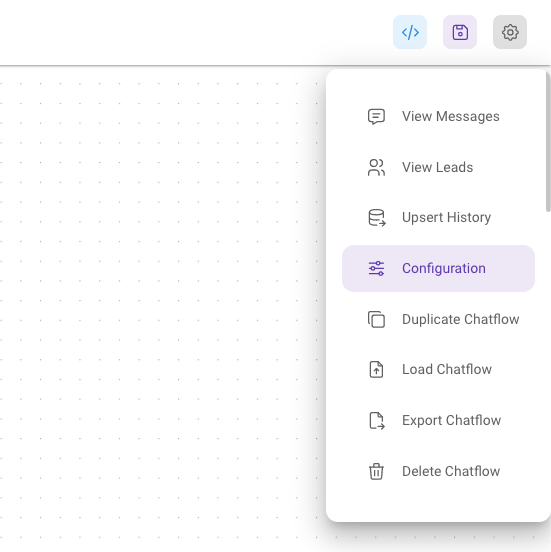
3
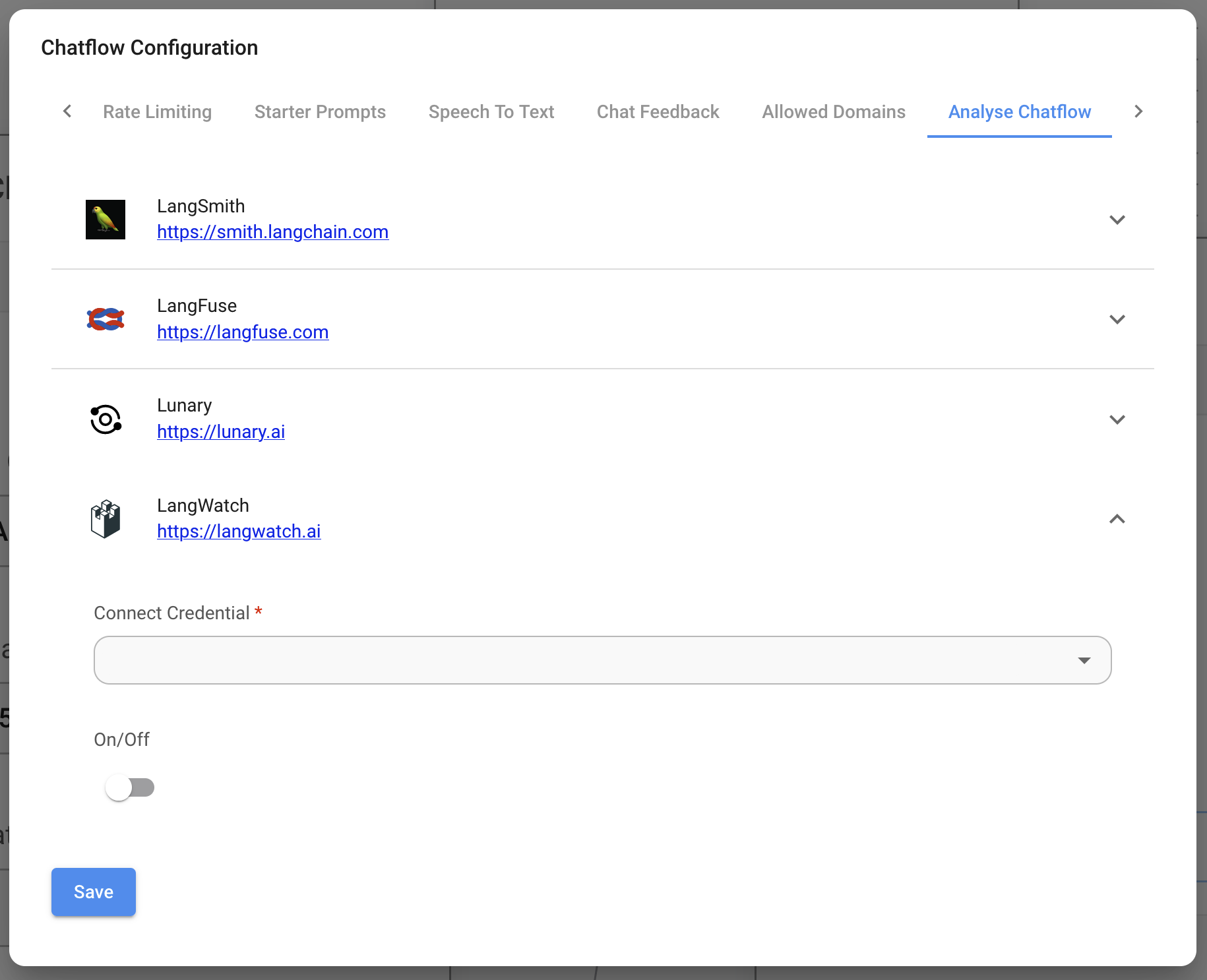
Go to the Analyse Chatflow tab to find LangWatch
4
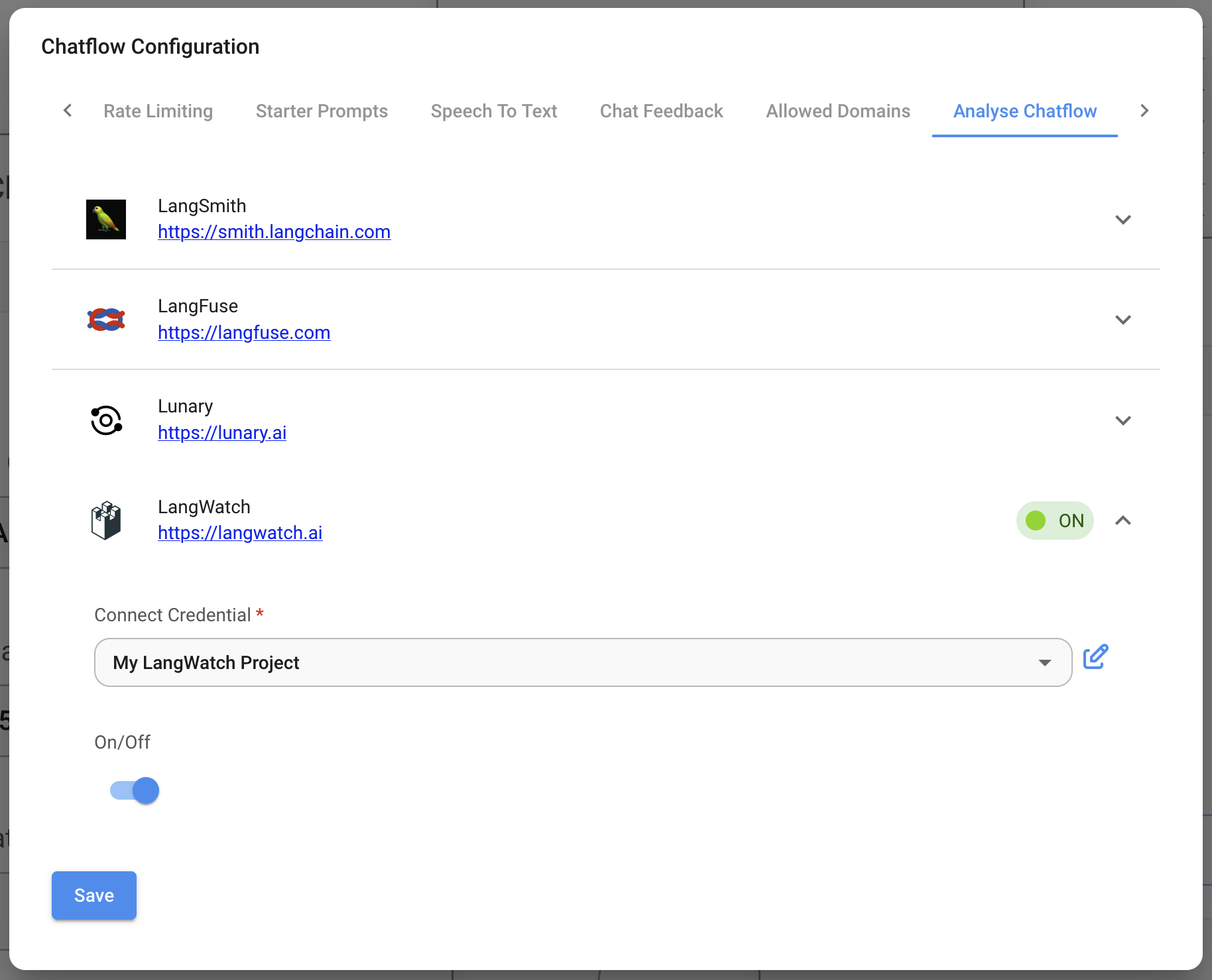
Create a new credential and enable LangWatch
5
Test the integration
Send a message to your agent or chatflow, then open LangWatch to see the trace.